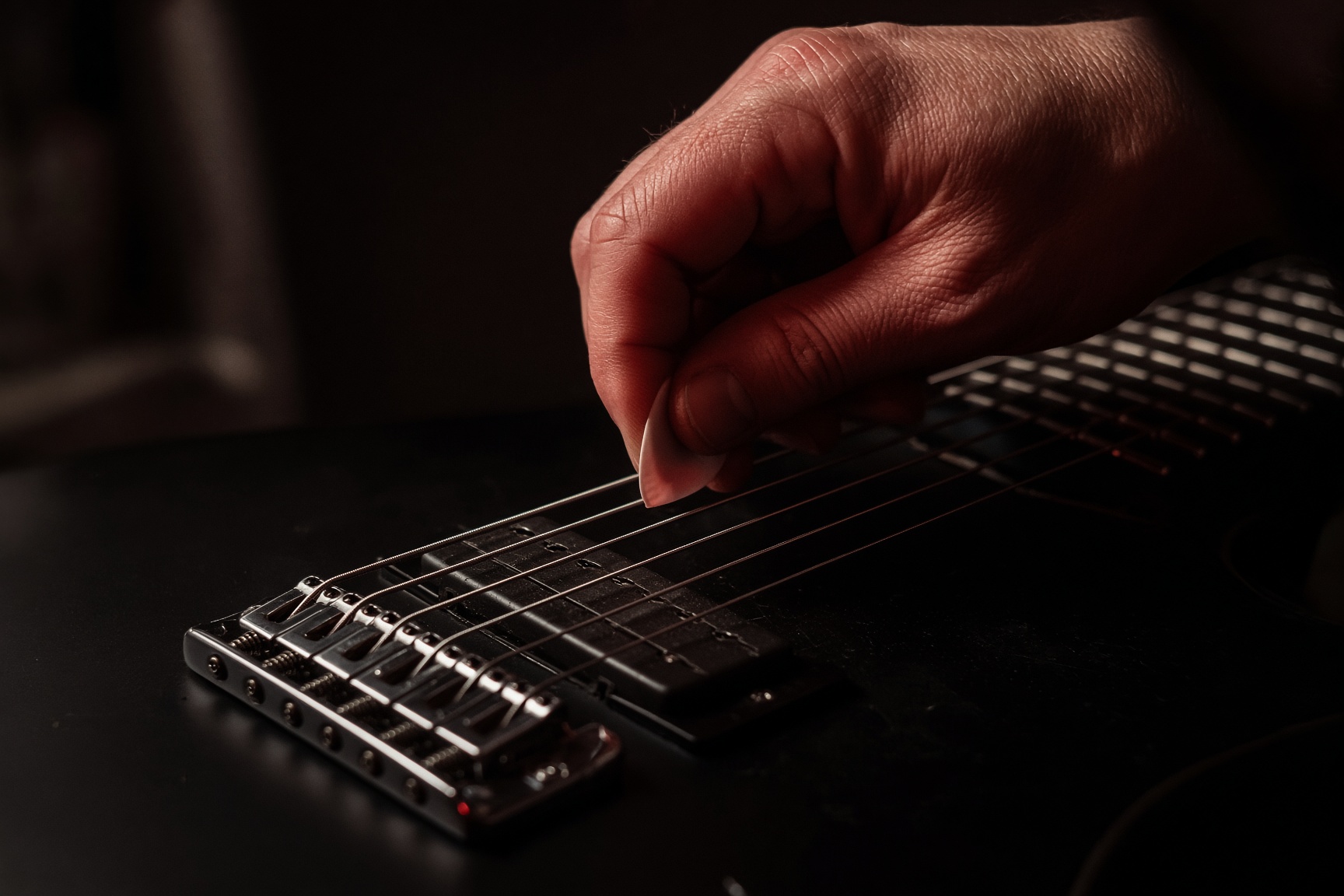
Reaper · metalcore guitar
EQ and master the chug
A full pass from DI to bounce: insert order, ReaEQ frequencies for drop-tuned rhythms, the guitar bus, mix-bus glue, and loudness that survives Spotify. Stock Reaper plus the free meters in the plugin list.
Frequency map
Where the chug lives
These are starting moves on a drop-tuned rhythm, not laws. Sweep, then commit. Values in hertz.
| Band | Hz | Move | Why |
|---|---|---|---|
| Sub | 20–60 | High-pass | Kick and bass live here. Drop C’s fundamental is ~65 Hz — still let the bass own the floor. |
| Weight | 70–90 | HPF shelf | Start the high-pass here for Drop C. Drop B: 55–70 Hz. If the chug thins out, lower it. |
| Boom | 100–180 | Cut 2–4 dB | Palm mutes bloom here. A wide cut keeps the kick’s click from drowning. |
| Mud | 200–400 | Cut 2–5 dB | The metalcore danger band. Two hard-panned guitars plus bass = oatmeal if you skip this. |
| Box | 400–800 | Narrow cut | Cardboard cab. Sweep a thin dip until the honk leaves. Don’t scoop the whole octave. |
| Body | 800–1.2k | Leave / tiny boost | Note identity. Cutting here makes riffs anonymous. |
| Chug | 1.5–2.5k | Boost 1–3 dB | Pick attack and mute definition. This is the ‘tight’ people mean. |
| Grind | 3–5k | Boost or dynamic cut | Aggression. If it shrieks on pinched harmonics, use TDR Nova as a dynamic cut instead of a static one. |
| Fizz | 6–9k | Cut 2–4 dB | Amp-sim ice. A shelf or a wide bell. If you boost presence, you usually pay it back here. |
| Air | 10–12k | Tiny shelf or nothing | Prog cleans can take a little. High-gain rhythms rarely need it. |
Before a note is recorded
Session setup
Reaper will record whatever you feed it. Metalcore fails in the first 30 seconds when the project is 44.1 kHz, the buffer is 512, and the guitar is peaking at −1. Set the room up like a tracking date, even if the date is you and a desk.
- 01
Project settings
Options → Preferences → Audio: 48 kHz, 24-bit. Buffer 64–128 samples while tracking (aim under 10 ms round trip), 256–512 while mixing if the CPU complains.
- 02
Folder layout
Create folders: Drums, Bass, Guitars, Vocals, FX, Mix Bus. Reaper folders are busses — the fader on Guitars is your guitar master.
- 03
Track template
One guitar track: ReaGate → TSE 808 → NAM/Emissary (cab off) → NadIR → ReaEQ. Save as a track template. Duplicate for left and right.
- 04
Monitoring
Record monitoring ON, input FX on the track (not the monitoring FX slot) so what you hear is what you print — or print dry DI and monitor through FX. For metal, print the DI. Always. Re-amp forever.
- Interface: instrument / hi-Z input. Pad off unless you clip the preamp.
- Peaks around −12 to −8 dBFS on a hard chug. Digital clip is not ‘hot.’
- Tune at playing volume with the Tuner on this site, then record.
Left to right, like a pedalboard
The guitar insert chain
Order is the mix. A screamer after the IR is a different pedal. In Reaper the FX window is top-to-bottom = first-to-last.
- ReaGate — threshold so open-string noise dies, hysteresis so 16ths don’t chatter. Lookahead 0–2 ms. Attack fast, release 30–80 ms so the mute stays a thud, not a click.
- TSE 808 / TSB-1 — drive 0–2, tone noon or slightly down, level 7–10. You are boosting into the amp, not overdriving the 808.
- Amp (NAM or Emissary) — cabinet / IR inside the amp OFF. Gain until the chug is saturated but the mute still has pitch. If it fizzes before it is heavy, the capture is wrong, not the EQ.
- NadIR or ReaVerb — 100% wet. Dual IR: a tight close-57 V30 and a darker ribbon or 421. Blend, don’t stack five.
- ReaEQ — subtractive first. See the frequency map.
- ReaComp (optional, last) — slow, 1–2 dB on slams, auto-make-up off. Guitars in metalcore are already compressed by gain.
Loading an IR in ReaVerb
- 01
Insert ReaVerb
Add at the end of the amp, cab bypassed. Wet 0 dB, dry −inf.
- 02
File → Add
Point it at a .wav IR. Start/end markers: keep the whole cab (short). High-pass in ReaVerb if the IR is boomy, or do it in ReaEQ after.
- 03
Stereo
One mono IR panned with the track is cleaner than a fake-stereo IR on both sides. Left guitar gets IR A, right guitar gets IR B.
Subtract, then aim the chug
EQing metalcore guitar in ReaEQ
ReaEQ is a transparent parametric. Default bands are fine. Ctrl+click the graph to add a band, Alt+drag to change Q, Shift+drag for fine gain. Turn the low and high shelves into high-pass / low-pass by setting type in the band list (HP, LP, notch, band, low shelf, high shelf, band-pass).
A working starting curve
- 01
High-pass
Band 1 → high-pass, 12 or 24 dB/oct, 70–90 Hz for Drop C. Sweep up until the chug loses pitch, then back off a few hertz.
- 02
Mud dip
Wide bell (Q ~0.7) at 250–350 Hz, −2 to −5 dB. This is the cut that makes dual-tracked guitars sit with the bass.
- 03
Box hunt
Thin bell (Q 3–6), gain −8 dB, sweep 400–800 Hz while a chug loops. Stop on the honk. Reduce the cut to −2/−4 so it is a notch, not a hole.
- 04
Chug bump
Bell at 1.8–2.2 kHz, +1 to +3 dB, Q ~1. If the riff gets brittle, you overshot — cut fizz next instead of piling more 2 kHz.
- 05
Fizz shelf
High shelf or wide bell at 7–8 kHz, −2 to −4 dB. Amp sims love this region. If pinch harmonics disappear, the cut is too wide.
Do this on a single guitar first, in solo, then with the drums. Then copy the FX chain to the other side (Reaper: drag the FX button) and change only the IR and a 0.5 dB difference in the mud cut so the two sides don’t phase into a mono mess.
Left / right and quads
- Rhythm: two tracks, pan 100 L and 100 R. Same performance double-tracked, not a cloned take (Reaper: duplicate the item is a chorus, not a double).
- Quads: two more takes at 70 L / 70 R, 2–3 dB down, darker IR. They fill, they do not lead.
- Opposite IRs on L and R. Same IR on both sides comb-filters when the player is human.
- Align transients: item nudge in samples, or SWS / stock stretch markers. If the double is 10–20 ms late it is a flam, not width.
Prog cleans and leads
Cleans can keep more 120 Hz and a little 10 kHz air. High-pass higher (120–150 Hz) so they don’t fight the rhythm fives. Leads: notch a competing rhythm frequency (often 2 kHz) on the rhythm bus when the lead is up — Reaper parameter modulation or a simple automation lane on one ReaEQ band.
After the pans
The guitar bus
Route L and R (and quads) to a Guitars folder. Process the sum. This is where you make them one instrument.
- ReaEQ — a broad 300 Hz dip if the sum got muddy. Smaller than the per-track cut.
- TDR Nova — dynamic band at 3–5 kHz, threshold so only squeals and pick spikes duck. Static EQ can’t do this.
- ReaComp or Kotelnikov — slow attack (30–50 ms) so transients of the mute stay, 1–2 dB GR on choruses.
- Optional clipper / saturator last, drive until SPAN’s true-peak winks, then back off. Guitars already clip themselves; this is glue, not gain.
Loud, not broken
Mix bus into a master
Metalcore loudness is a mix problem first. If you need 8 dB of limiting to hit −10 LUFS, the mix is small. Leave 6–8 dB of peak headroom on the master while mixing (peaks around −8 dBFS). Mastering is 2–4 dB of honest gain, not a war.
Mix-bus chain (folder or master pre-FX)
- 01
SPAN + Youlean
Insert both, skip processing. Watch 200 Hz, 4 kHz, and LUFS-S while you mix. Correlation should stay positive on the choruses; if it dives, your L/R IRs are too different or a track is polarity flipped (Reaper: click the phase button on the track).
- 02
TDR Nova or ReaEQ
One wide 2–3 dB dip around 250 Hz if the whole mix is woolly. A tiny 4–5 kHz lift if the mix is dull after the guitar fizz cuts. Master EQ is correction, not tone.
- 03
Kotelnikov
Ratio 1.5:1 to 2:1, slow attack, auto-release. 1–2 dB GR on the loudest chorus. If the kick starts to pump, the attack is too fast.
- 04
ReaXcomp (optional)
Four bands. Light GR on 200–500 if the mix still smudges. Do not multiband the life out of the top.
- 05
Limiter
ReaLimit, or JS: MGA JS Limiter / LoudMax-style. Ceiling −1.0 dBTP (Youlean true peak). Aim −10 LUFS-I for a loud metalcore master, −11 to −12 if you want the drums to breathe. Streaming will turn −9 down anyway.
- True peak, not sample peak. Lossy codecs (Spotify, YouTube) reconstruct overshoots. −1.0 dBTP is the safe metal default; −1.5 if you encode loud AAC yourself.
- Integrated LUFS is a whole-song number. Check a verse and a breakdown separately — if the breakdown is 4 LU louder, automation is missing, not the limiter.
- Leave the limiter bypassed while writing. Print a ‘mix’ render and a ‘master’ render.
File → Render
Render from Reaper
- 01
Source
Master mix, or stems (selected tracks, via ‘stems (selected tracks)’ / region renders). Bounds: time selection or whole project.
- 02
Format
WAV, 48 kHz, 24-bit for the archive. Dither only when going to 16-bit. FLAC for sending. MP3 last, 320, after the master.
- 03
Tail
Add 1–2 s tail so cymbal and IR decay don’t clip the file end. Normalize is off — you already limited.
- 04
Check
Bounce, drop the file on a new track, run Youlean. If true peak exceeds −1, lower the limiter ceiling and bounce again. Do not ‘turn it up in the bounce.’
Save the FX chain as a track template and the whole mix as a Reaper project template. Next song, you start at the chug, not at a blank mixer.